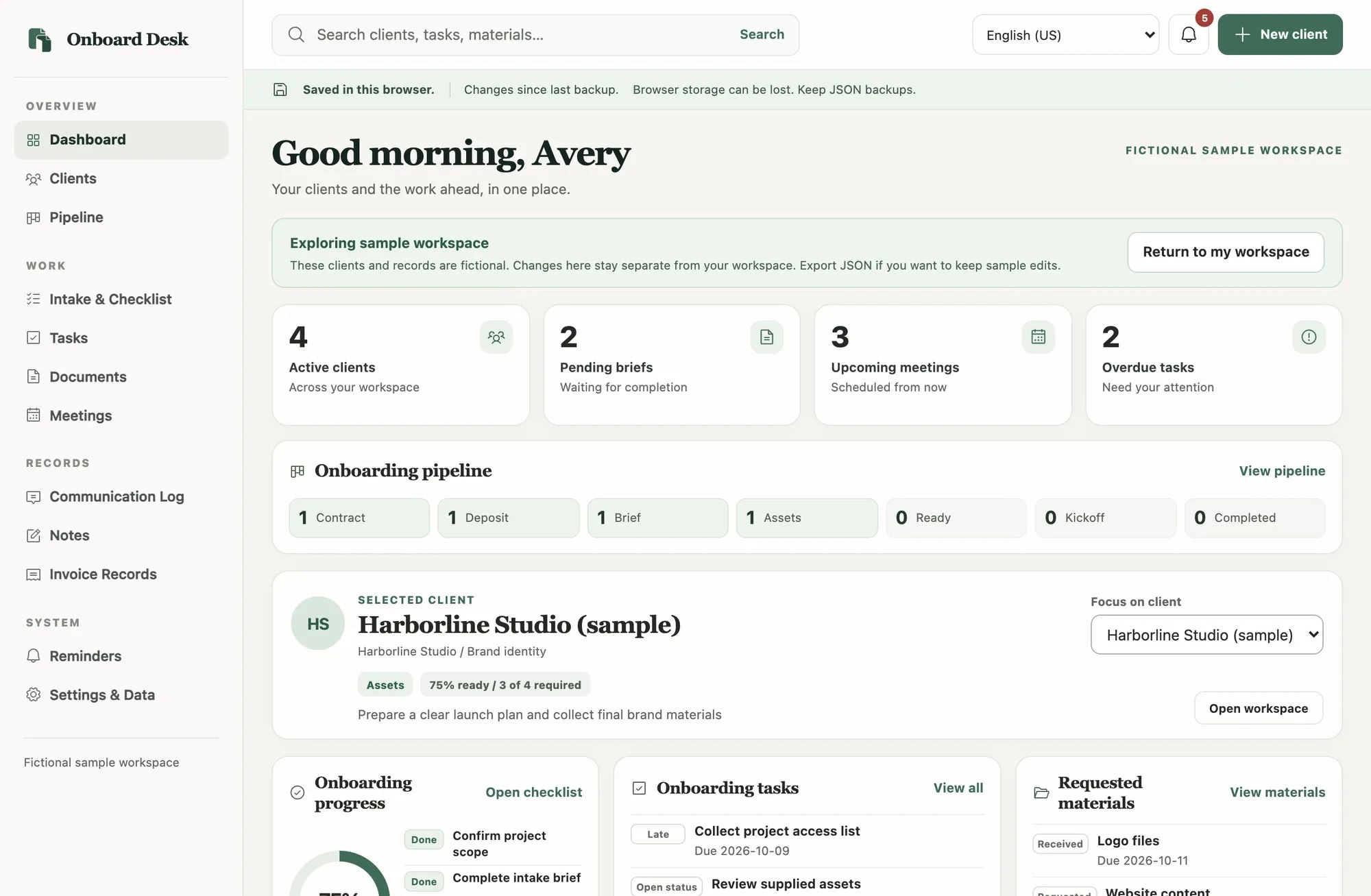
Client Onboarding Organizer
Onboard Desk
Bring each accepted client from brief to kickoff in one organized workspace, with intake answers, tasks, materials and meetings together.

Independent digital tools studio
DevlectaDesigns makes focused tools that help freelancers, creators and small businesses organize clients, plan content and keep track of projects.
Onboard clients, track projects and report results without juggling scattered notes.
Client Onboarding Organizer
Bring each accepted client from brief to kickoff in one organized workspace, with intake answers, tasks, materials and meetings together.
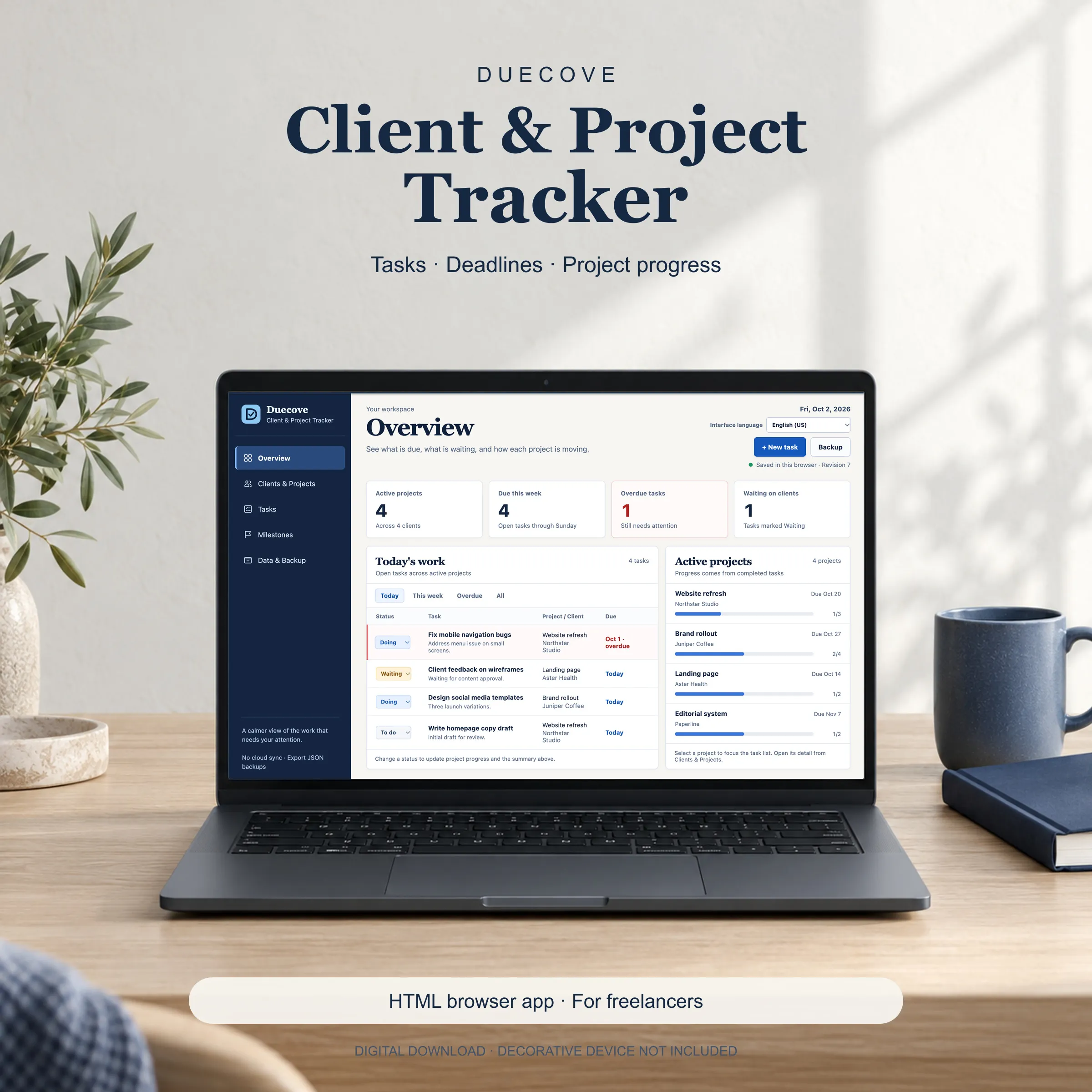
Freelance Client and Project Tracker
Keep client projects, tasks and deadlines together, with progress calculated from completed tasks and a printable project report.
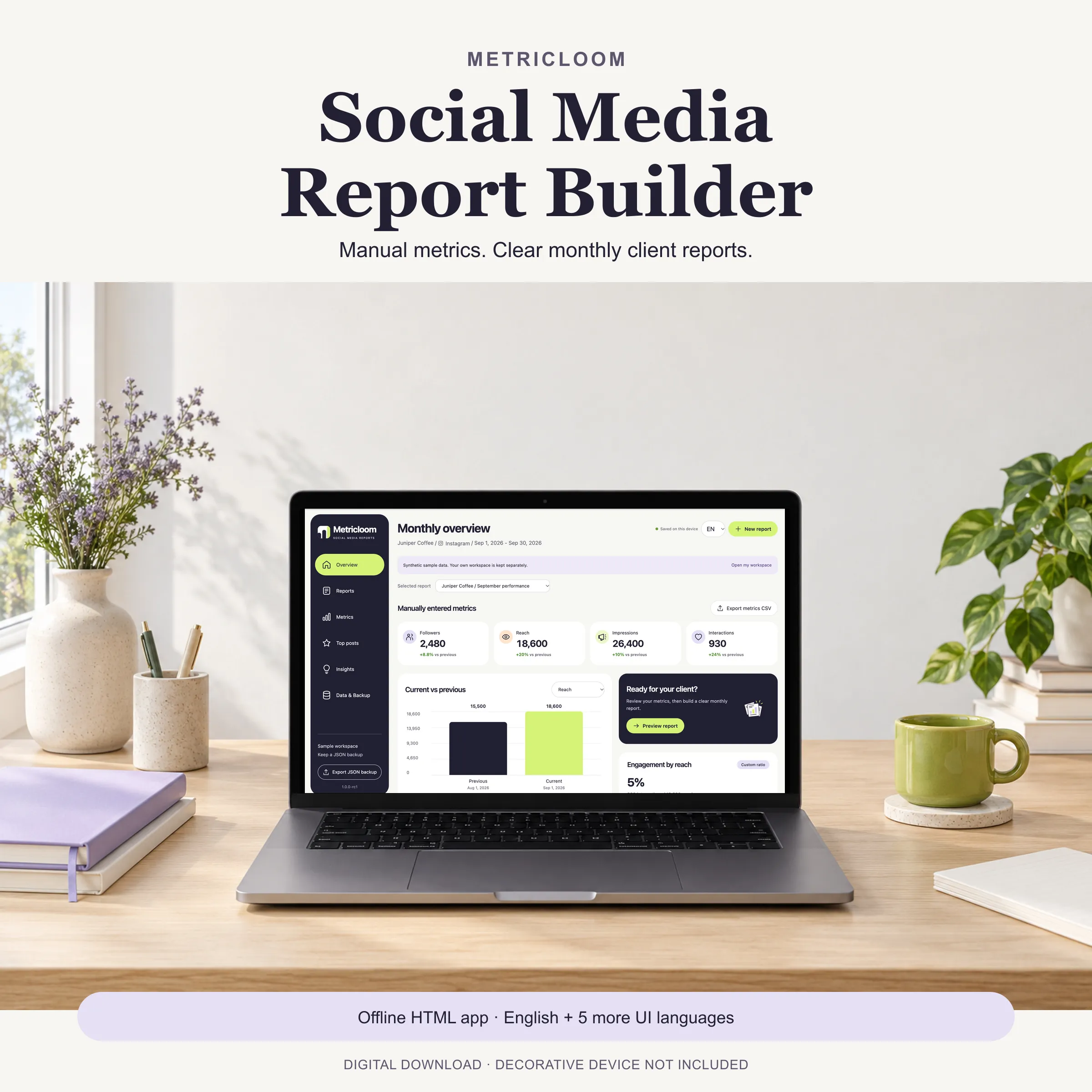
Social Media Report Builder
Build a clear monthly social media report from figures you enter, with current versus previous comparisons, top posts and written observations.
Plan posts, campaigns and repurposed content in focused workspaces.
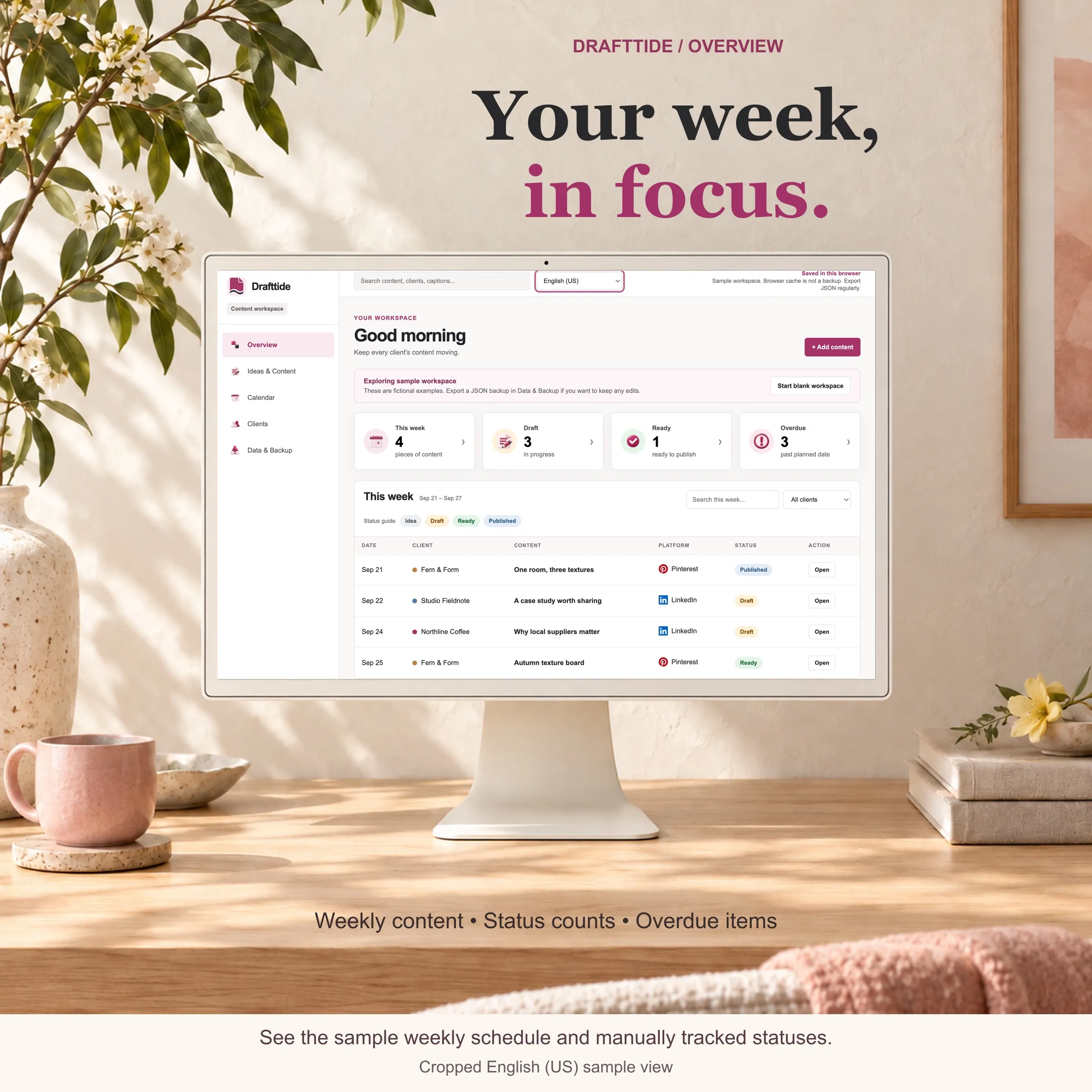
Social Media Content Planner
Plan social content for several clients in one focused workspace, with an idea bank, content queue and monthly calendar.
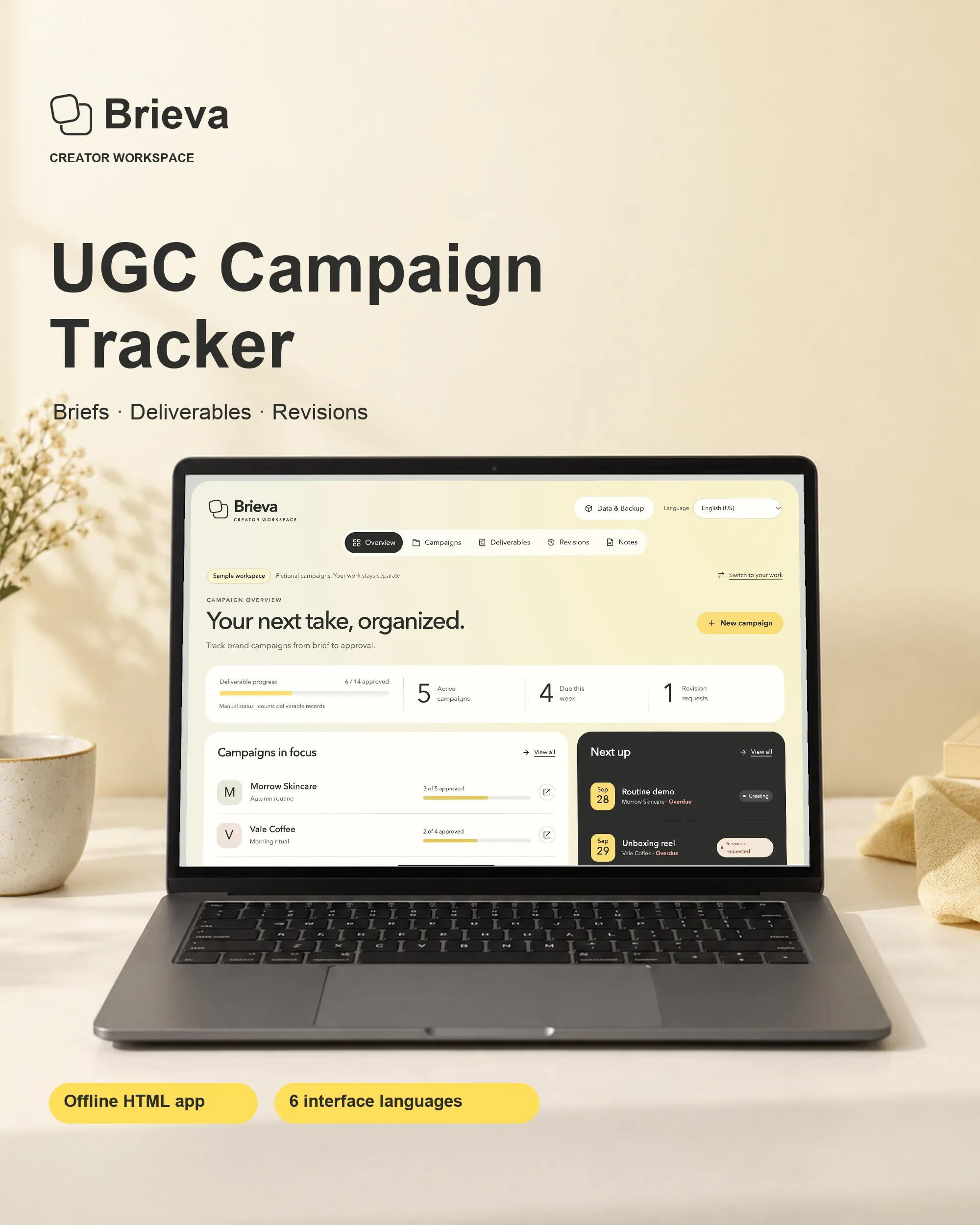
UGC Campaign and Deliverables Tracker
Keep brand campaigns, deliverables and revision feedback together, and prepare a clear client summary.
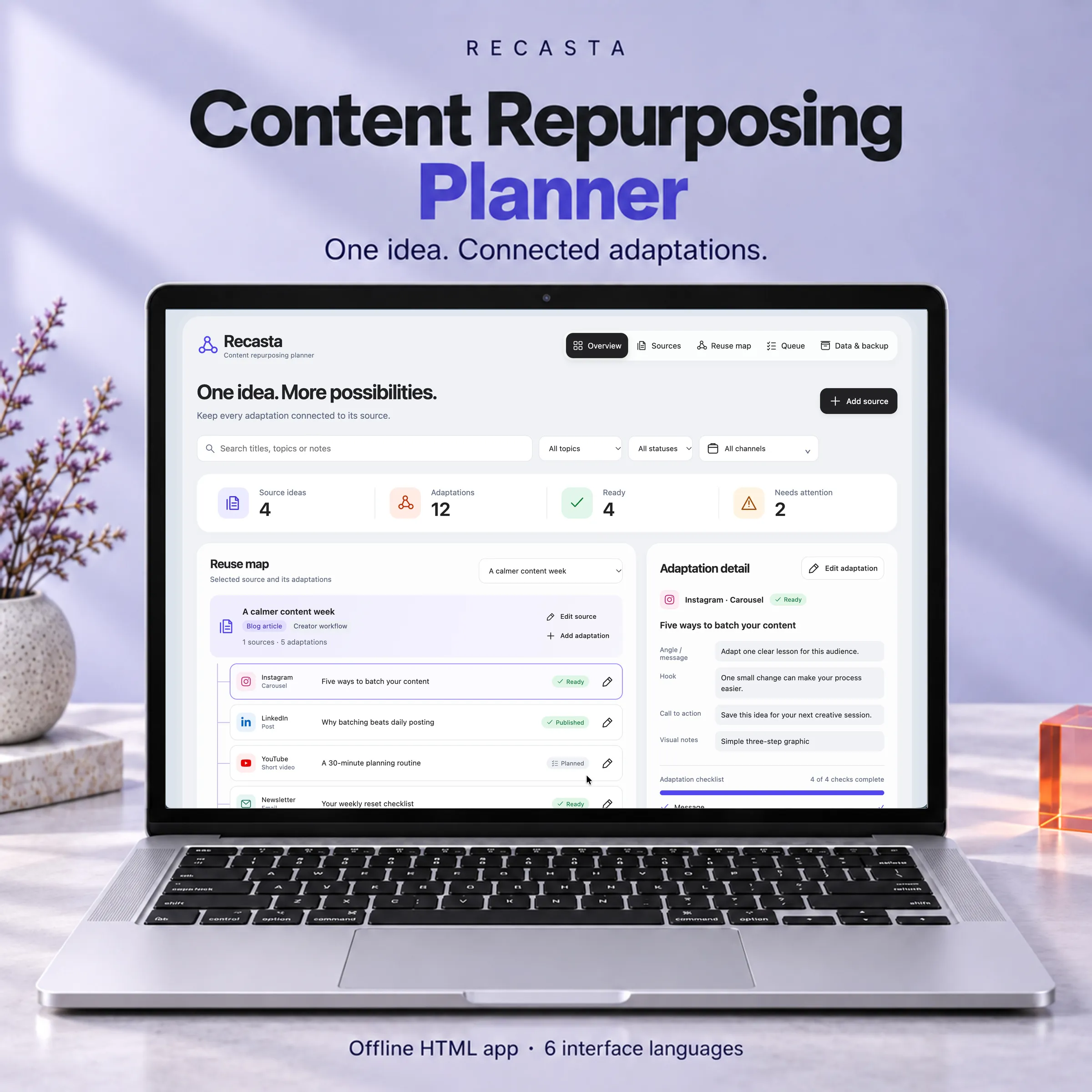
Content Repurposing Planner
Keep every adaptation connected to the idea that started it, and see which channel versions still need attention.
Each tool is a self-contained HTML app delivered as a digital download. You open it in a desktop browser and enter your own information through its screens. No account, subscription or code editing is needed for the included features.